Rotate Partner Leagues
See what it looks like when your rotate partner league is fully setup on Pickleheads.

Playing
04:08
Rotate Partner Leagues
See what it looks like when your rotate partner league is fully setup on Pickleheads.

Leagues & Ladders
06:14
Fixed Partner Leagues
See what it looks like when your fixed partner league is fully setup on Pickleheads.
Leagues & Ladders
05:10
Ladders
See how ladders combine the best parts of open play and leagues without the operational headache.
Leagues & Ladders
08:02
Creating a League or Ladder
Walk through the steps to create your first league or ladder, including format options, scheduling, and standings.

Leagues & Ladders
03:04
Inviting or Adding Players
Learn how to invite players to your league or ladder. Share a link, add them manually, or QR code check-in.

Leagues & Ladders
04:13
Linking Existing Sessions to Your League or Ladder
Already mid-season? Learn how to pull in past round robin sessions so your standings and results carry over automatically.

Leagues & Ladders
01:52
League Groups
How to automatically add league or ladder participants to your group.


Payments
04:00
Setting up Stripe
Learn how to set up Stripe to accept online payments through Pickleheads.

Payments
01:54
Refunds
Learn how refunds work and what policies apply when requesting or processing refunds on Pickleheads.

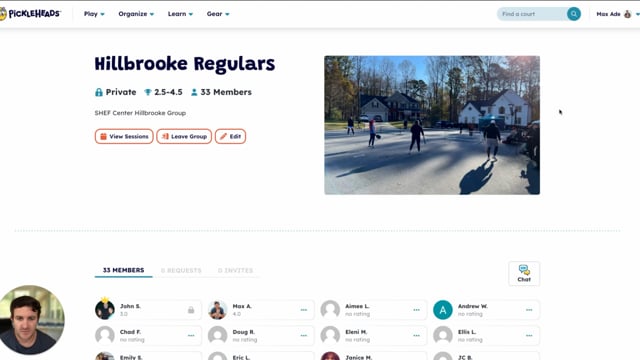
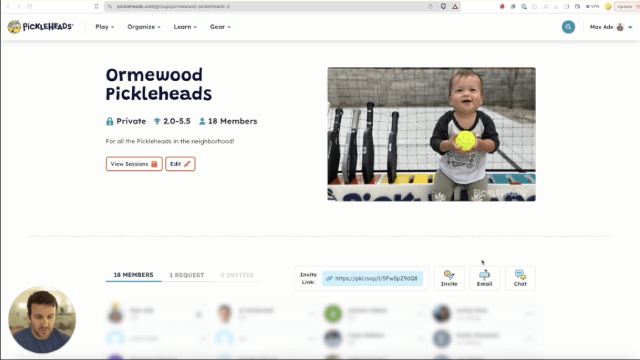
Groups
06:12
Inviting players to a group
Learn how to invite players to join your group and grow your pickleball community.

Groups
07:02
Group chat
Learn how to use the group chat feature that's specifically designed for pickleball communities.

Groups
03:44
Advanced group features
Learn about all the advanced settings available for managing your pickleball groups.


Introduction
Sessions
Round Robins
Leagues & Ladders
Payments
Groups
Playing
04:08
Rotate Partner Leagues
See what it looks like when your rotate partner league is fully setup on Pickleheads.
Leagues & Ladders
06:14
Fixed Partner Leagues
See what it looks like when your fixed partner league is fully setup on Pickleheads.
Leagues & Ladders
05:10
Ladders
See how ladders combine the best parts of open play and leagues without the operational headache.